Iphone Wallpapers Wallpapers
278 wallpapers
Portrait imagery selected and cropped for iPhone screens specifically. The useful distinction from the wider mobile collection is composition: these are picked so the subject survives the lock screen, where the clock takes the top third and the widget row takes a slice below it.

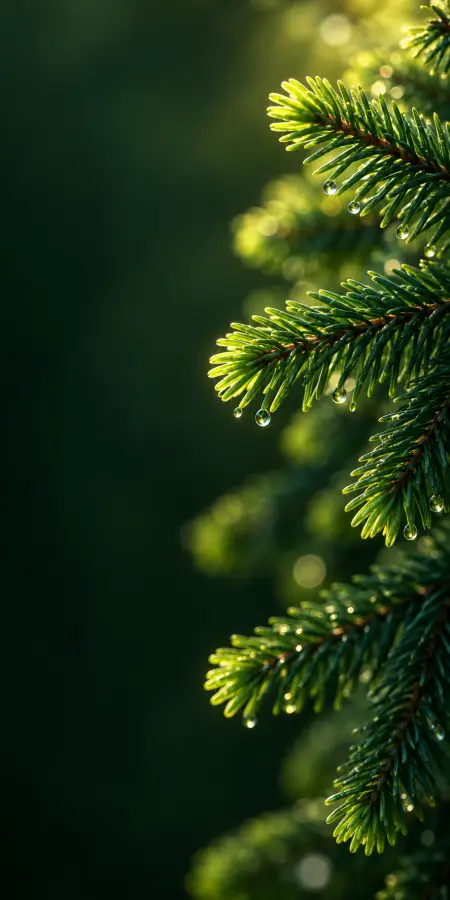
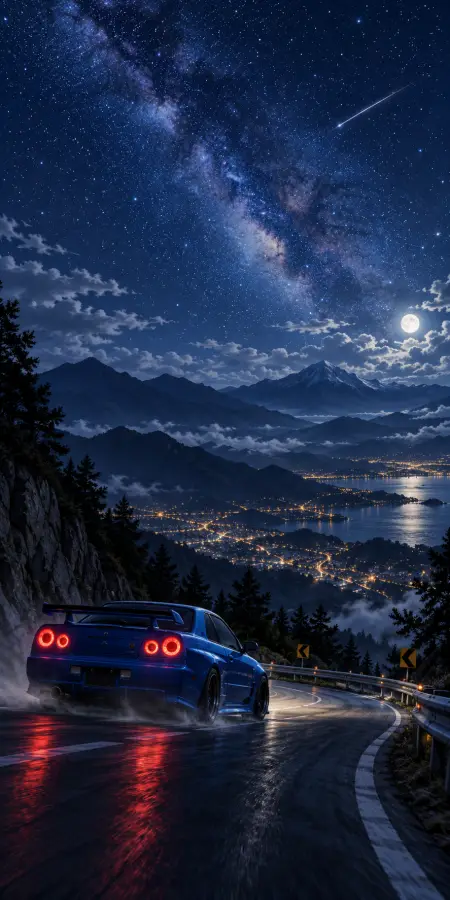
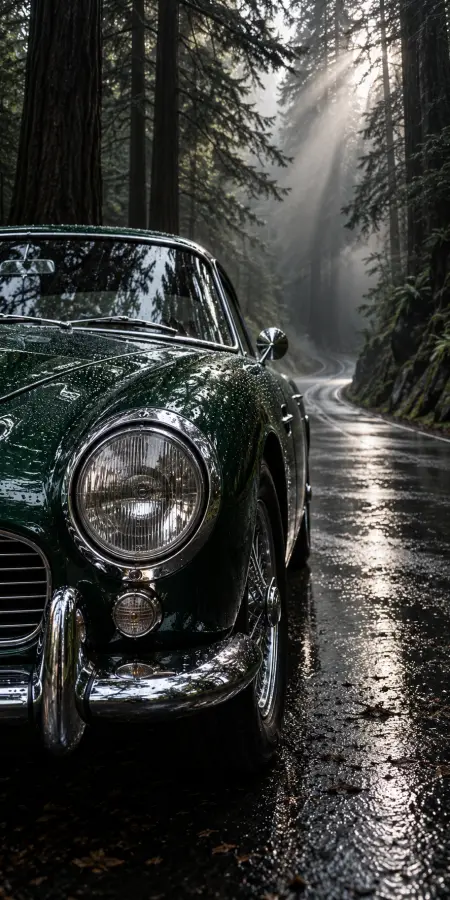

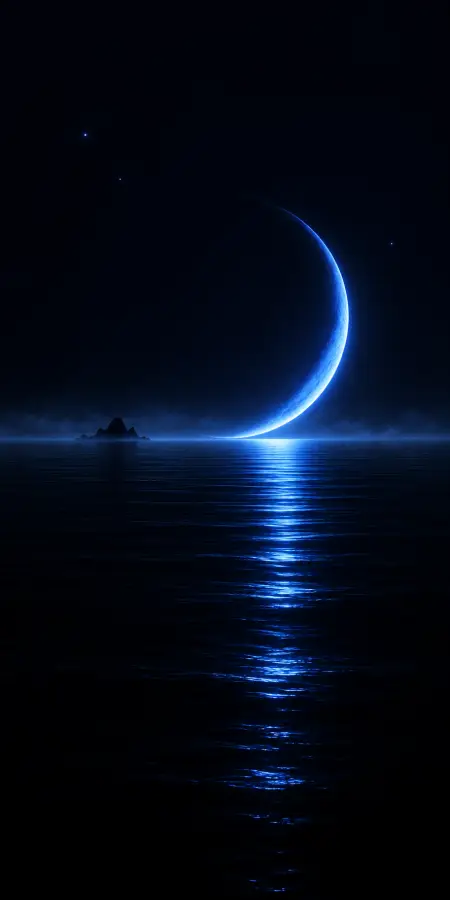

The resolutions that actually matter
Apple has used a narrow set of panel sizes across recent generations, and matching one of them means no upscaling:
- 1179x2556 — iPhone 15, 16 and the non-Pro models around them
- 1290x2796 — the Pro Max sizes
- 1170x2532 — iPhone 12 through 14
- 1125x2436 — the X, XS and 11 Pro generation
Going above your panel size costs nothing visually and only uses a little more storage. Going below it means iOS enlarges the image, which is most visible in gradients and skin tones.
Composing for the lock screen
iOS places a large clock across the upper third and, since the depth-effect feature arrived, will layer the subject of some images in front of it. In practice the wallpapers that work best have their subject in the lower two-thirds and something calm behind the clock. A striking image with the focal point dead centre often looks worse in use than a simpler one composed for the layout.
Depth effect, and why it fails on some images
Recent versions of iOS can lift the subject of a lock-screen wallpaper in front of the clock, which looks excellent when it works. It relies on the system separating a foreground subject from the background, so it works on a clear single subject with defined edges — a person, an animal, a car — and fails on abstract art, patterns, wide landscapes or anything where there is no obvious subject to isolate. If the effect refuses to turn on for a wallpaper you like, that is why, and there is no setting that fixes it. Pick a portrait-style image with one clear subject if the effect matters to you.
Home screen versus lock screen
iOS lets you set these independently, and they want different things. A lock screen can carry a strong image because nothing else sits on it. A home screen is a background for app icons, and busy imagery makes labels hard to read — the abstract and minimal entries here are the better choice for that.
Frequently asked questions
What size should an iPhone wallpaper be?
Match your panel or exceed it. Recent iPhones are 1179x2556, 1290x2796 on Pro Max, 1170x2532 on the 12 to 14 generation, and 1125x2436 on the X to 11 Pro generation. Going larger is harmless; going smaller means iOS upscales and gradients suffer.
Why does my wallpaper look zoomed in on the home screen?
iOS applies a parallax effect that crops slightly to allow the image to shift as you tilt the phone. Choosing an image larger than your panel gives it room to do that without visible loss. You can also disable it under Accessibility, Motion, Reduce Motion.
Can I use different wallpapers for lock and home screen?
Yes, and you generally should. A lock screen can carry a strong image; a home screen sits under app icons, so a calmer abstract or minimal background keeps labels readable.